Two orders placed a minute apart can end up taking wildly different paths — one ships same day, the other sits because nobody checked stock until after the payment cleared. That inconsistency is what causes oversells, refund disputes, and angry "where's my order?" emails. An order processing flowchart fixes it by making the path explicit: order, pay, check stock, pick, ship, confirm — the same way every time.
This guide maps a complete e-commerce fulfillment process you can adapt, plus the common branches and the mistakes that quietly break a fulfillment workflow. For the format basics, see What Is a Flowchart?.
The Order Processing Flow, Step by Step
Here is a standard fulfillment flow. Each numbered step is a shape in the diagram; the decisions are where it branches.
1. Customer places an order. The entry point — a customer submits their cart and checks out. This is the Start terminator.
2. Payment successful? (decision). Verify the charge before doing anything else.
- Yes → continue to the inventory check.
- No → cancel the order and notify the customer to retry or use another method.
3. In stock? (decision). Check warehouse inventory for every line item.
- Yes → continue to picking.
- No → send an out-of-stock notice and trigger a backorder/restock, then loop back once available.
4. Pick and pack. The warehouse pulls the items, packs the box, and prints the packing slip. Nothing ships before it's correctly packed.
5. Express shipping? (decision). Route to the right carrier and service level.
- Yes → expedited carrier / priority lane.
- No → standard ground shipping.
6. Ship and send tracking. Hand the package to the carrier and email the customer the tracking number so they can follow it.
7. Delivered? (decision).
- Yes → confirm receipt and continue.
- No → handle the exception (lost, returned, or failed delivery) and re-route or refund.
8. Complete the order. Confirm receipt, mark the order fulfilled, and close it. This data feeds back into demand forecasting and inventory planning.
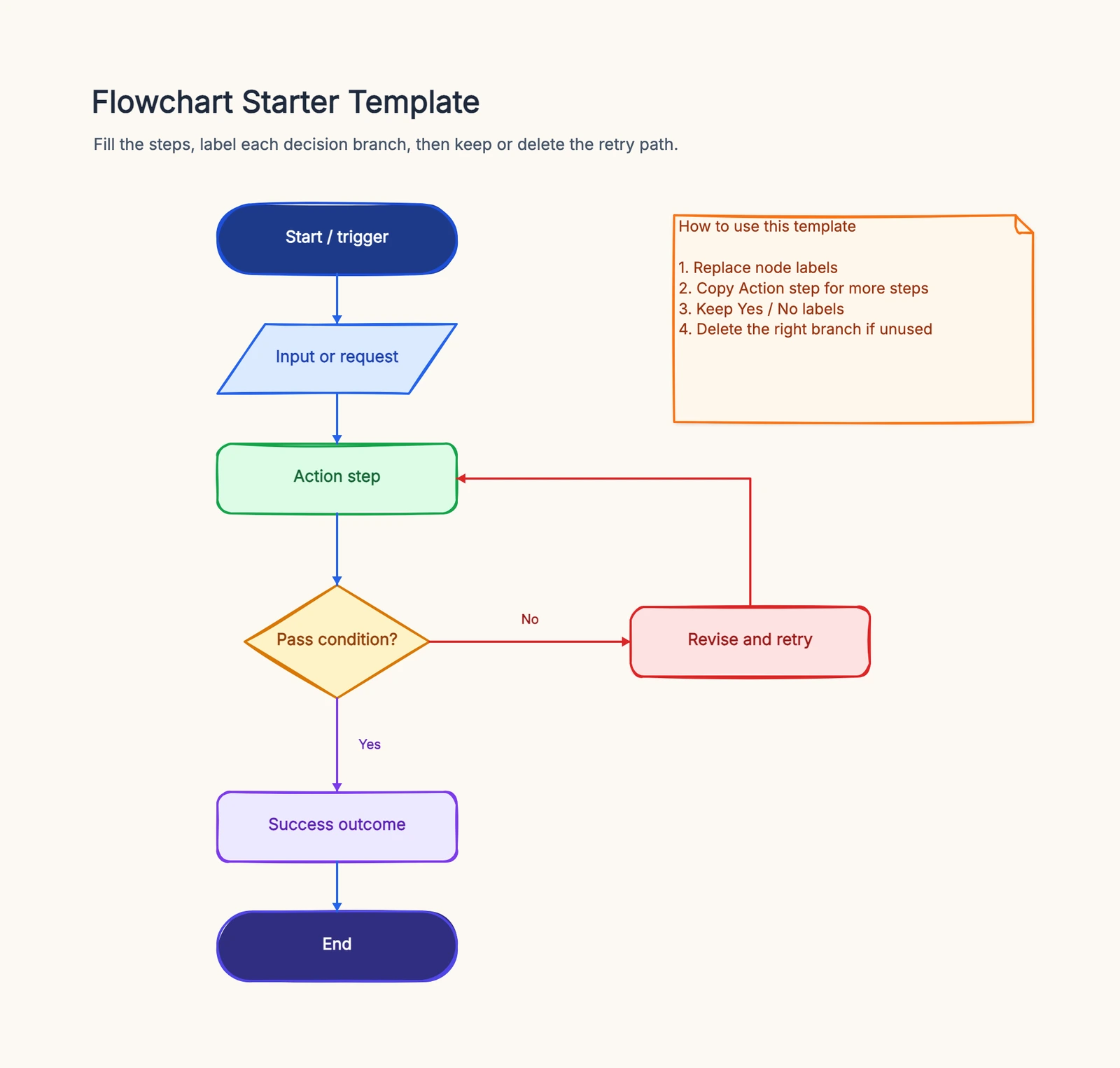
Those two "No" branches in steps 2 and 3 — failed payment and out-of-stock — are what separate a real fulfillment flow from a wish. Start from the flowchart template to draw this process and adapt it to your store.
Common Variations
Not every store fulfills orders the same way. A few common branches to add:
- Pre-orders. A "release date reached?" decision holds the order in a queue until the product launches, then releases it into the normal flow.
- Multi-warehouse fulfillment. A "which warehouse is closest / has stock?" decision splits the pick step across locations, sometimes shipping one order from two warehouses.
- Refunds and returns. After delivery, a "return requested?" branch loops back through inspection, restock, and a refund step.
- International shipping. Add a "domestic or international?" decision that routes to customs documentation, duties, and a different carrier path.
Common Mistakes
Checking inventory after payment only. If stock is verified only once, after the charge clears, you oversell and refund — the "In stock?" check belongs before you commit, and ideally a soft reserve happens at checkout.
No out-of-stock branch. If the diagram assumes every item is always available, it lies. Real fulfillment has a "No → backorder/notify" branch.
No exception handling after shipping. Packages get lost, returned, and mis-delivered. Without a "Delivered? → No" branch, those orders just disappear from the flow.
Unlabeled decision branches. Every diamond ("Payment successful?", "In stock?", "Express?") needs labeled exits, or new staff guess.
Frequently Asked Questions
What is an order processing flowchart?
An order processing flowchart maps how an e-commerce order moves from checkout to delivery — payment, inventory, picking and packing, shipping, and confirmation — so every order is fulfilled the same way.
How do you show a failed payment or out-of-stock item in the flowchart?
Use decision diamonds like "Payment successful?" and "In stock?" with "No" branches that route to cancellation/notification or a backorder/restock path, instead of letting the order continue down the happy path.
Ready to map your own fulfillment process? Open the flowchart template — adapt the payment, inventory, and shipping steps to your store, no signup required.
Related Reading
- Types of Flowcharts — process, swimlane, and more
- What Is a Flowchart? — the format basics
- How to Make a Flowchart — the general tutorial
- Flowchart Symbols Guide — every shape explained