From blank canvas to clear diagram.
Sketch flowcharts, wireframes, and system architecture on a fast hand-drawn canvas.
- Free to use
- Start without signup
- Export PNG and SVG
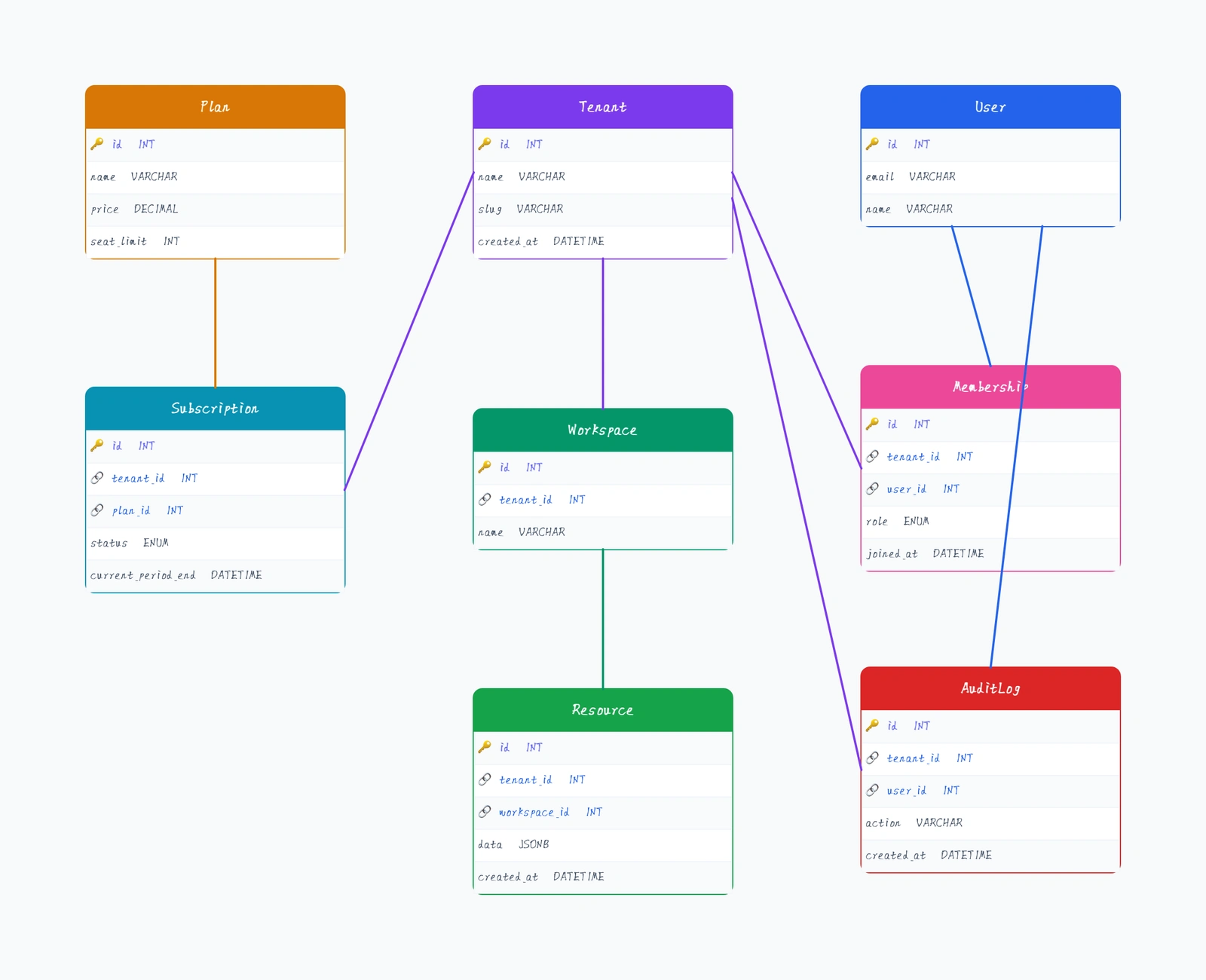
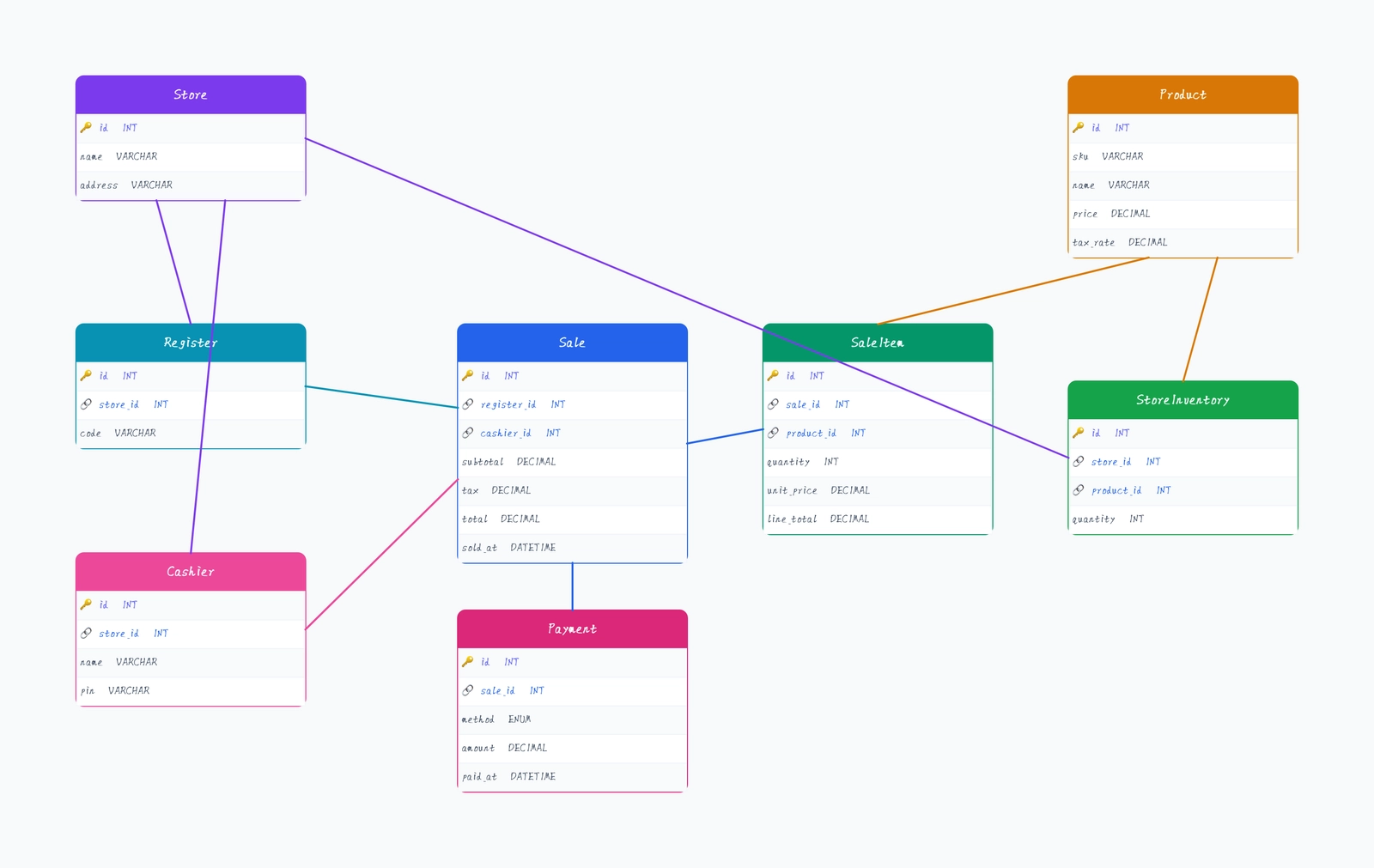
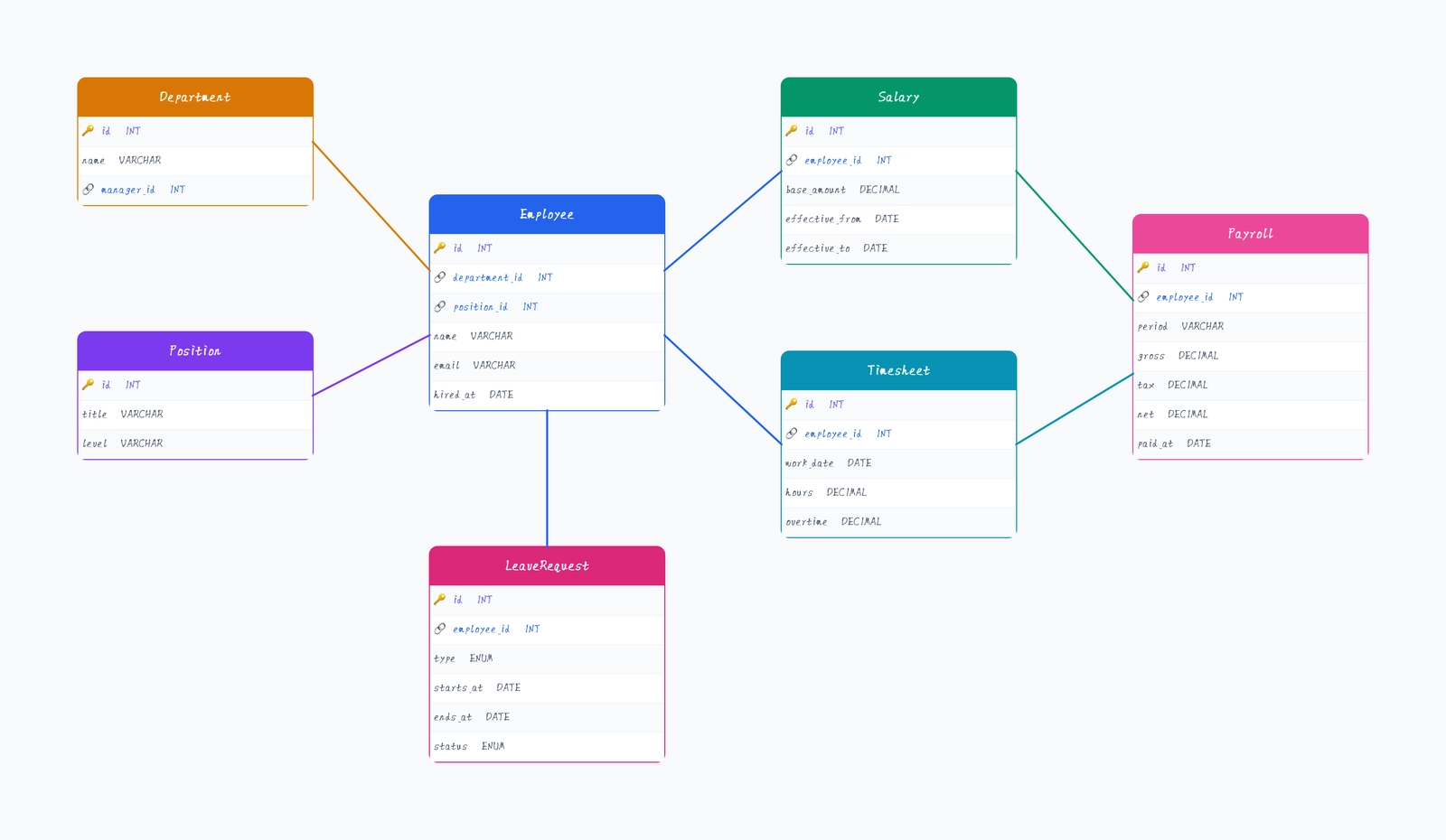
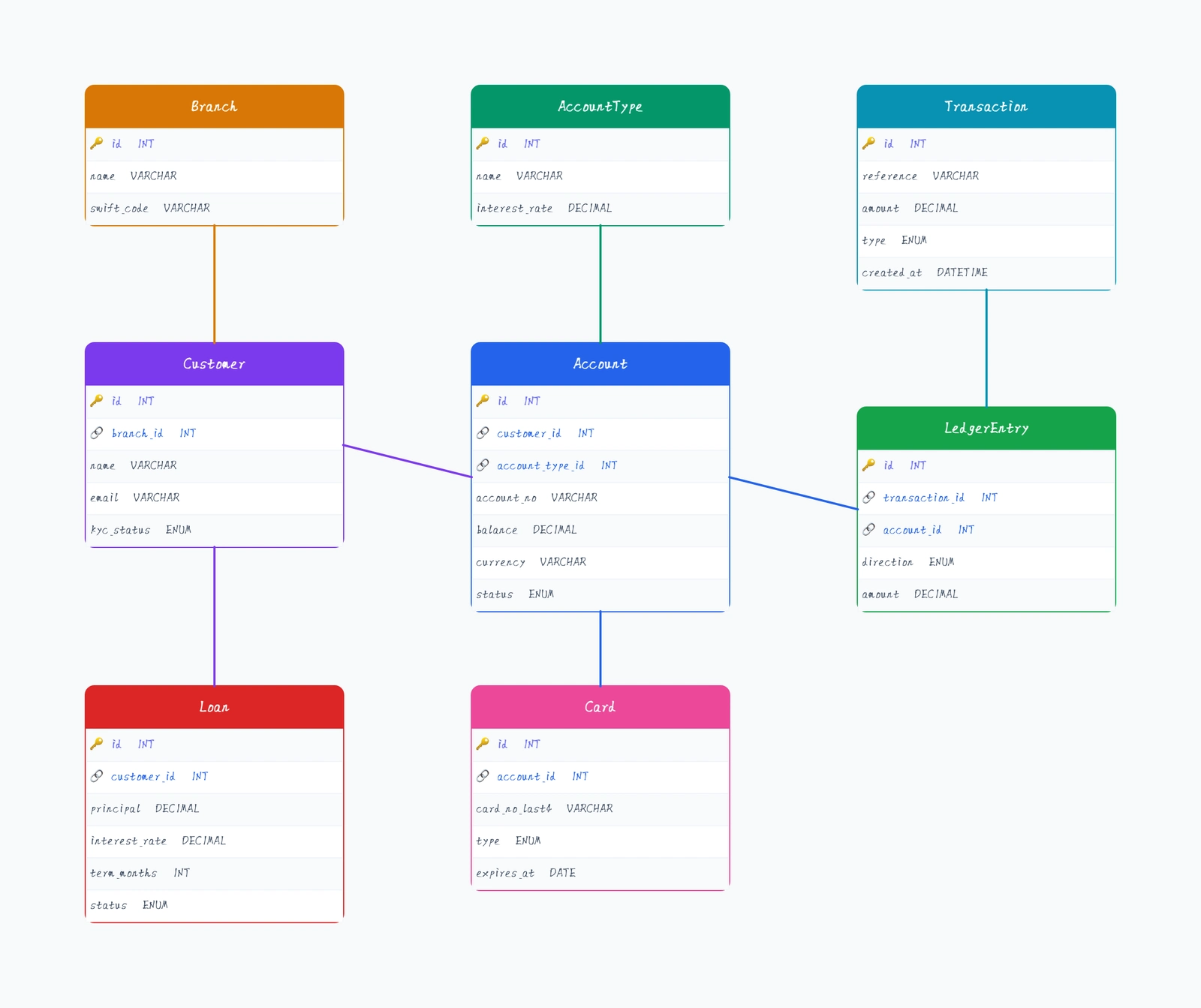
Start from
Guides & Resources
Practical guides to help you create better diagrams
Infinite zoom
Pan and zoom without limits.
Snap & align
Guides and alignment helpers.
Natural connectors
Smart routing for arrows.
Hand-drawn style
Sketchy, organic look.
Shortcuts
⌘K and ? for power users.
Export/share
PNG, SVG, and links.
Built for the way you think
Flowcharts & diagrams
Map out processes, decision trees, and system flows with shapes, connectors, and hand-drawn style — no design skills needed.
System architecture
Sketch microservice architectures, API flows, and infrastructure diagrams. Perfect for technical discussions and documentation.
Wireframes & mockups
Quickly draft UI layouts and screen flows. The hand-drawn style keeps the focus on structure, not pixel perfection.
Brainstorming
Capture ideas freely on an infinite canvas. Use sticky notes, shapes, and freehand drawing to organize your thoughts.
Why CodePic
Instant start
No signup required. Open the editor and start drawing in seconds — zero friction.
Hand-drawn feel
A sketchy, organic style that makes diagrams feel approachable and keeps early-stage ideas looking like ideas.
Developer friendly
Keyboard shortcuts, snapping, smart connectors — built for people who value efficiency.
AI native
Connect Cursor, Claude, or any MCP-compatible AI to create and edit diagrams with natural language.
Ready to sketch your next idea?
Start with a blank canvas or pick a template — it only takes a few seconds.