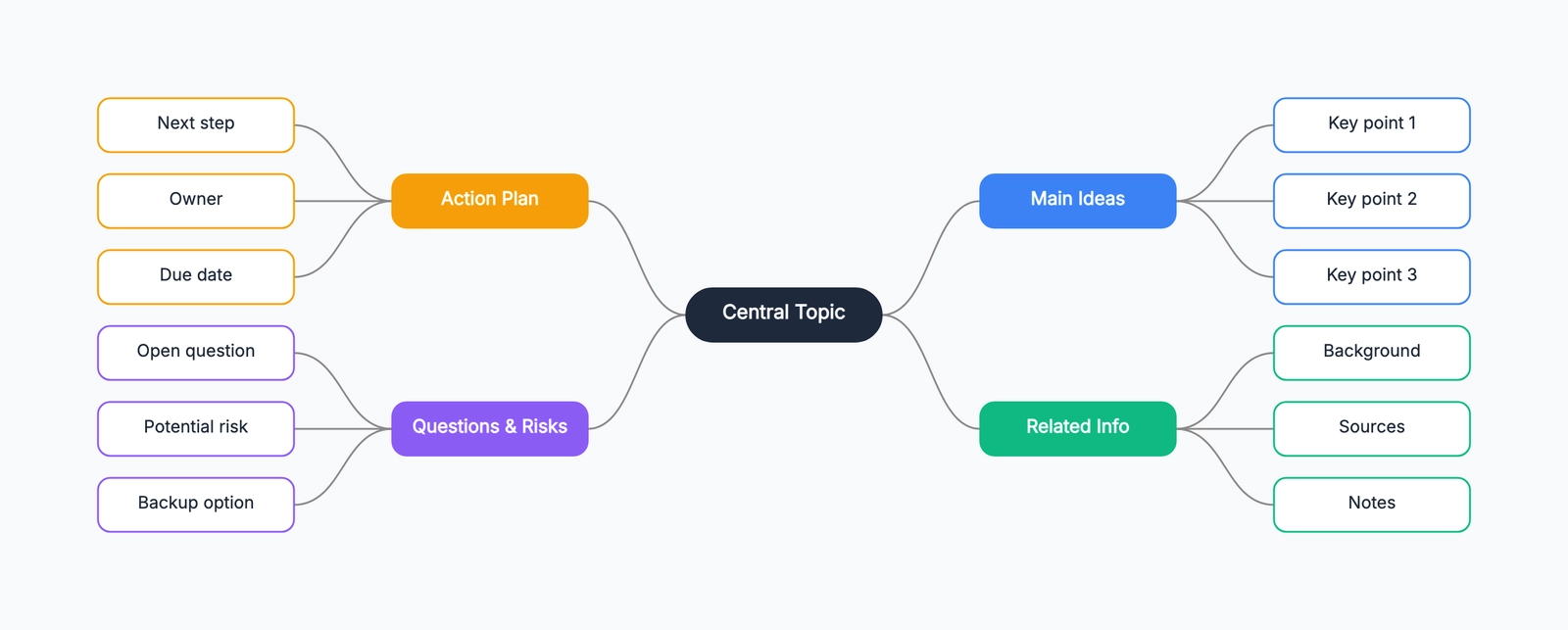
You have a topic to think through — a project plan, an essay outline, a product launch — and a blank page that refuses to help. Writing a linear list flattens everything into one column, hiding how the pieces actually relate. A mind map fixes that by letting ideas branch out from a center, so structure emerges as you go instead of being decided up front.
A mind map is a diagram that organizes information around a central idea, with related concepts branching outward (see What Is a Mind Map? for the full definition). This guide is the how — six concrete steps to make one, plus the tips and mistakes that decide whether it stays useful or turns into a tangle.
How to Make a Mind Map, Step by Step
Each step below adds one layer to the map. Do them in order the first time; after that you'll loop between steps 3 and 6 freely.
1. Pick your central topic. Put one subject in the middle of the canvas — "Q3 Marketing Plan," "Thesis," "New App." Keep it to a few words and make it the visual anchor everything connects back to. A vague center ("Stuff to do") produces a vague map; a specific center keeps every branch honest.
2. Add the main branches. From the center, draw four to seven main branches — the big categories of your topic. For a marketing plan that might be Channels, Budget, Timeline, Goals, Team. These are your top-level structure; resist adding detail yet. If you have more than seven, you're probably mixing categories with sub-points — promote only the true top-level themes.
3. Add child nodes to each branch. Now go deep. Under Channels, add Email, Social, Paid, SEO; under Budget, add line items. Each branch grows its own sub-tree. Work one branch at a time so you don't lose your train of thought jumping around — finish a branch's children before moving to the next.
4. Use keywords, not sentences. Label each node with one or two words, never a full sentence. "Email" beats "We should send a weekly email newsletter." Keywords keep the map scannable and force you to distill the idea down to its core — and they make it far easier to rearrange nodes later.
5. Use color and hierarchy to separate branches. Give each main branch its own color and let its children inherit it. Color turns the map from a flat tree into something your eye can navigate instantly — you can find "everything about Budget" by following the green. Hierarchy (center → branch → child) does the same job structurally; keep the levels visually distinct.
6. Iterate and reorganize. A first-draft mind map is never final. As you fill it in you'll notice a node sitting under the wrong branch, a category that should split in two, or two branches that are really the same thing. Drag nodes to new parents, merge duplicates, add branches you missed. This reshaping is where the real thinking happens.
Open the mind map template and start with the central topic — the branches will come faster than you expect once the center is set.
Tips for Better Mind Maps
- Start fast, edit later. Get ideas down without judging them, then prune and reorganize. Filtering while you brainstorm kills momentum.
- Limit each branch's depth. Three or four levels deep is plenty. If a branch goes deeper, it probably deserves to be its own mind map.
- Keep nodes parallel. Children of the same branch should be the same kind of thing — all tasks, or all categories, not a mix. Mismatched levels make the map hard to read.
- One idea per node. If a node contains "and," it's two nodes. Splitting them reveals structure you'd otherwise miss.
- Use the map to find gaps. A branch with only one child usually signals an underdeveloped area — a prompt to think harder, not a finished section.
Common Mistakes
Writing sentences instead of keywords. Long labels turn a scannable map back into prose. If you can't shorten a node to a couple of words, the idea isn't distilled yet.
Too many main branches. More than seven top-level branches means the eye can't take in the structure at a glance. Group related branches under a shared parent instead.
No color or hierarchy. A single-color map with every node the same size hides the structure you worked to create. Color and sizing aren't decoration — they're how readers navigate.
Treating the first draft as final. The value of a mind map comes from reshaping it. A map you never reorganize is just a fancy outline.
Frequently Asked Questions
How do you make a mind map step by step?
Start with a central topic in the middle, add four to seven main branches for the big categories, then attach child nodes to each branch. Use single keywords instead of sentences, separate branches with color, and keep reorganizing as new ideas appear.
Should a mind map use words or sentences?
Use single keywords on each branch, not full sentences. Keywords keep the map scannable, force you to distill ideas, and make it easier to spot connections and reorganize branches later.
Ready to map out your topic? Open the mind map template — add your center, branch out, and reorganize as you think, no signup required.
Related Reading
- What Is a Mind Map? — the definition and when to use one
- Mind Map Brainstorming Guide — using mind maps to generate ideas
- Types of Flowcharts — other ways to diagram your thinking