Make a SWOT analysis online for free
Map Strengths, Weaknesses, Opportunities, and Threats on a clean four-quadrant grid. Start from a ready-made SWOT template, fill in each quadrant, and share an editable analysis your team can discuss.
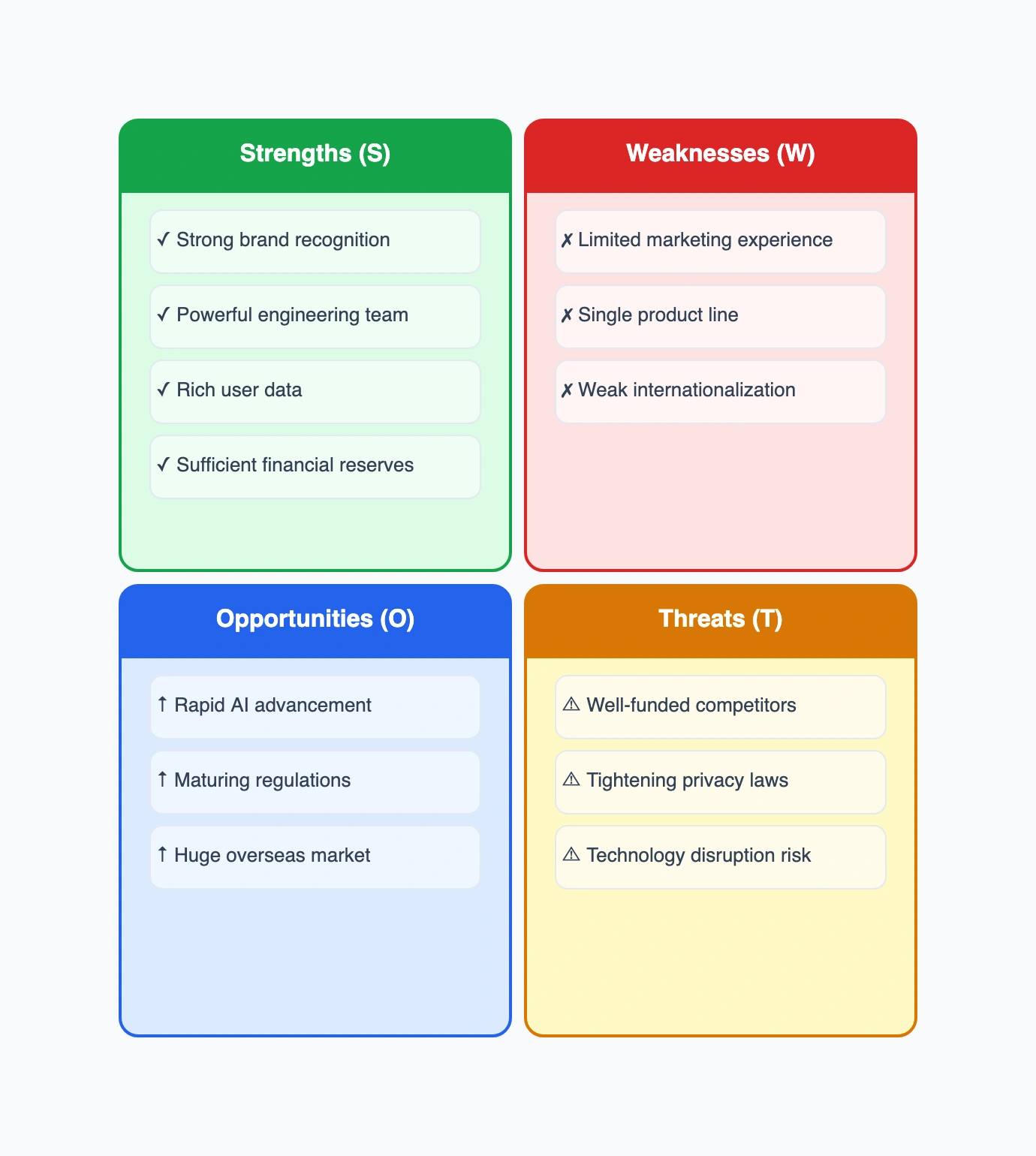
Four-quadrant template
Start with Strengths, Weaknesses, Opportunities, and Threats already laid out — just fill each box.
Fully editable
Edit text, recolor quadrants, add or remove points, and resize the grid to fit your content.
No sign-up needed
Open the SWOT maker in your browser and start typing immediately — no account, no download.
Share and export
Export to PNG or JSON, or share a read-only link for reviews, reports, and presentations.
How to make a SWOT analysis
A good SWOT keeps each quadrant honest and specific — concrete points beat vague generalities.
Open the template
Start from the four-quadrant SWOT template so the structure is ready before you think about content.
List internal factors
Fill Strengths and Weaknesses — things you control: team, product, brand, cost, processes.
List external factors
Fill Opportunities and Threats — things outside your control: market, competitors, regulation, trends.
Turn it into action
Use the grid to decide what to leverage, fix, pursue, or defend — a SWOT is only useful if it drives decisions.
Common SWOT use cases
Business strategy
Assess a company or product line before planning, fundraising, or a strategic pivot.
Marketing planning
Evaluate brand position, channels, and competitors before a campaign or launch.
Personal / career
Map your own strengths and gaps when planning a career move or skill development.
Project & competitor analysis
Compare options or size up a competitor by laying their factors side by side.
SWOT resources
SWOT analysis template
Start from a ready-made four-quadrant template and replace the sample points.
SWOT analysis examples
Browse real SWOT examples for business, marketing, personal, and competitor analysis.
What is a SWOT analysis?
Learn what SWOT means, when to use it, and how to fill each quadrant well.
AI SWOT with MCP
Ask Cursor or Claude to draft an editable SWOT analysis from a short description.
SWOT analysis maker FAQ
Is the SWOT analysis maker free?
Yes. You can open the SWOT maker and start editing for free. Signing in is only needed for cloud saving and account features.
Is there a SWOT template?
Yes. The main call to action opens an editable four-quadrant SWOT template with the four sections already labeled.
Can I export or download my SWOT analysis?
Yes. You can export to PNG or JSON, or share a read-only link. Exported images work in reports, slides, and docs.
What's the difference between SWOT and a SWOT matrix?
They're the same framework. 'SWOT matrix' just emphasizes the 2x2 grid layout — Strengths, Weaknesses, Opportunities, and Threats in four quadrants.
Ready to map your SWOT?
Open the free SWOT analysis maker, fill in the four quadrants, and turn a quick assessment into a decision your team can act on.
Start your SWOT analysis